
A customer sees your Facebook post on their lunch break. They’ve been meaning to book, but they have two minutes and one hand free. Can they tell whether the service is right for them, what to do next and what happens after they get in touch?
Read your last few posts with that customer in mind. A clearer caption can help, but the reply they get afterwards matters just as much.
Give people a specific reason to book
Start with a situation your customer recognises. “Book your MOT today” is easy to scroll past. “Need to drop your car off before work?” speaks to someone who already has a reason to book and is trying to make it fit their day.
The same applies across local services. A salon can write for someone booking their first colour consultation. A cleaning company can write for a tenant who needs the property cleaned before handing back the keys. In each case, the post answers a practical question and gives the reader a way to act.
Make the first message easy to send
“Get in touch” leaves the customer to work out what to say. Tell them what information you need to give them a useful answer.
| Business | A clearer call to action |
| Garage | “Message us your preferred day and whether you’d like to wait or drop the car off. We’ll let you know what’s available.” |
| Salon | “Send us a photo of your current colour and one of the look you’re after. We’ll help you choose the right consultation.” |
| Cleaning company | “Send us your postcode, the number of bedrooms and your move-out date so we can check availability.” |
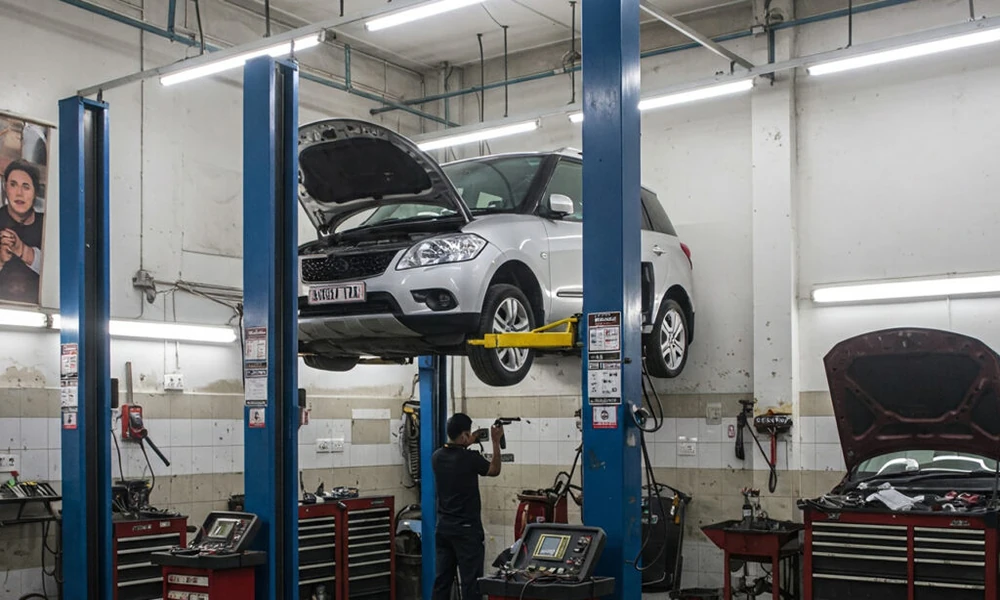
For a garage, a photo of the drop-off area can answer a question before the customer even opens Messenger. A short workshop video can do the same for someone who wants to know what a service involves. If you’re planning a mix of booking reminders, workshop photos and customer FAQs, see these social media examples for garages and MOT centres.
Give customers something they can say yes to
When someone messages, offer a specific next step. If they ask for a Friday MOT, a reply like “We have 8:30 or 11:00 on Friday. Would either work for you?” gets them closer to a booking than “Yes, we have availability.” If you need more details first, ask for them in one message so the customer can reply once.
Check the route yourself. Open the post on your phone, tap the booking link or message button and see where it takes you. If the link lands on a generic homepage, try sending readers straight to the relevant service or booking form.
Track which posts bring in enquiries
For a month, keep a simple record of the post, the enquiries it generated and how many became bookings. If the connection isn’t obvious, ask customers how they heard about you when they book.
A workshop video might get the most views, while a plain photo explaining early drop-off might bring in more appointments. Use each result to decide what to post again. Start with one service this week, write a caption that makes the next step clear, and make sure whoever answers messages can help the customer take it.
